

The best apps to experience art differently

Founder & CEO of YOMU, passionate about revolutionising museum experiences through technology.
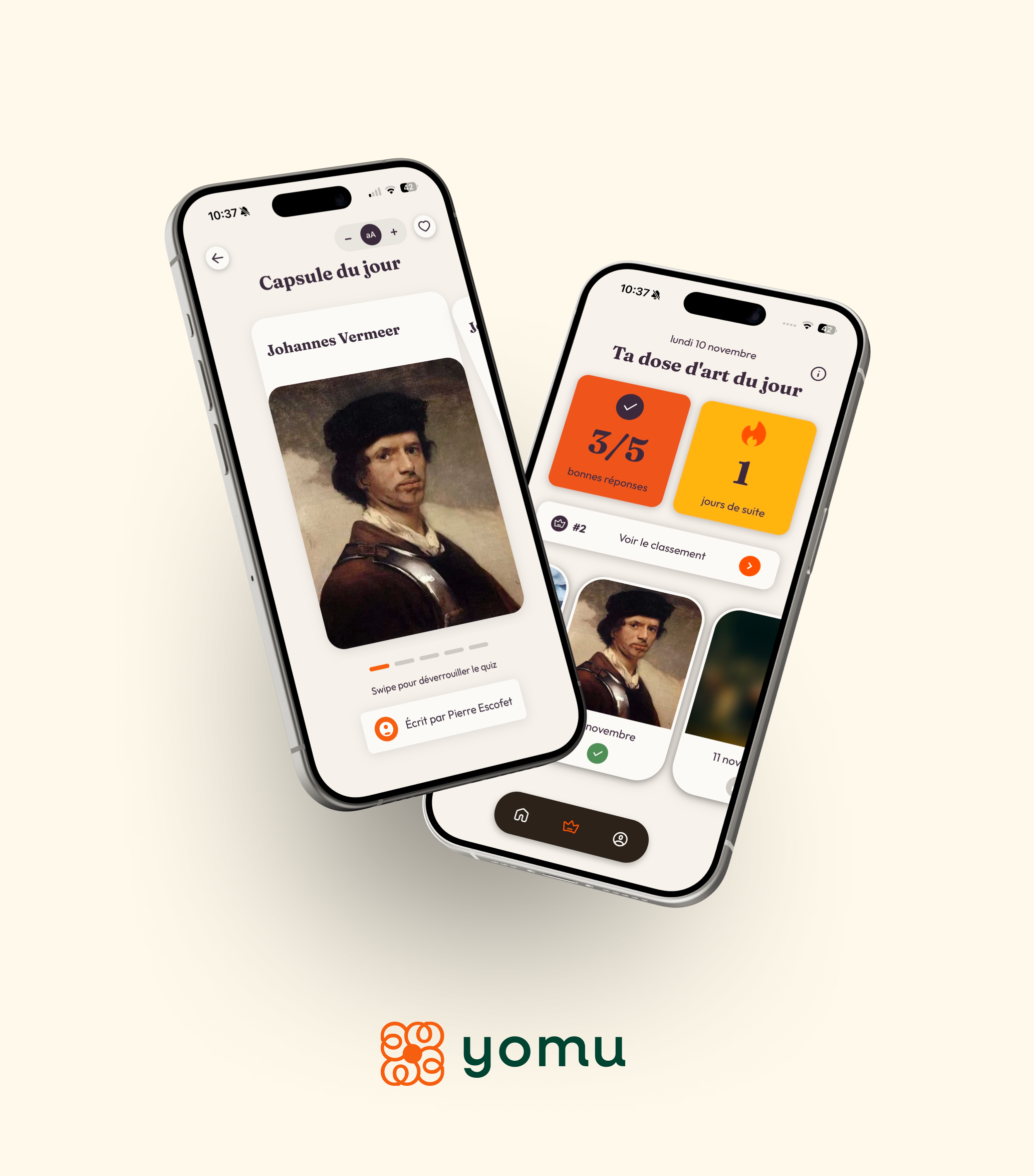
“Museum app”: where do you even start?
You search for “museum app”, “art app” or “culture app” in your store and suddenly you’re faced with dozens of results. Audio guides, educational apps, image recognition tools, virtual tours… it is hard to know where to begin.
In this article, we look at some of the key players (Google Arts & Culture, Smartify, Bloomberg Connects…) and explain how YOMU fits into this landscape: an app focused on personalised mediation, playful quizzes and a daily rendezvous with art.
1. How to choose a museum or art app?
Before naming names, here are a few criteria to compare museum and art apps:
- Quality of mediation: clarity of explanations, tone of voice, depth of content.
- Ease of use: smooth app, clear interface, quick access to artworks.
- Personalisation: content adapted to interests, time available, knowledge level.
- Onsite features: image recognition, museum map, guided routes.
- Playful dimension: quizzes, challenges, progression, rewards.
- Languages & accessibility: audio, captions, multilingual support.
- Business model: free, freemium, paid content, per museum or per app.
With this checklist in mind, let’s look at the main players – and then at where YOMU stands among them.
2. Google Arts & Culture: exploring the world from your sofa
Google Arts & Culture is one of the best-known art apps. Its main strength is an enormous database of artworks and collections from around the world.
Strengths:
- Explore museums and collections from home.
- Zoom into artworks in very high resolution.
- Discover stories, themes and virtual exhibitions.
Best for:
- Discovering art remotely.
- Preparing a visit to major institutions.
Limitations for onsite visits:
- The app is not always designed as a dedicated in-museum guide for a specific venue.
- Less fine-grained personalisation for a physical visit in a given space.
3. Smartify: scanning artworks with your phone
Smartify is widely known as an app that lets you scan artworks with your phone. The app recognises the image and shows content provided by the partner museum.
Strengths:
- Convenient image recognition to identify artworks.
- Audio guides and thematic tours in many museums.
- Ability to save favourite artworks.
Best for:
- Visitors who want a simple digital guide during the visit.
- Institutions that want to distribute audio and text content through an existing app.
4. Bloomberg Connects: free guides for major institutions
Bloomberg Connects offers free digital guides for hundreds of cultural institutions worldwide: museums, galleries, foundations, gardens, heritage sites and more.
Strengths:
- Access to official guides from major institutions.
- Rich content (audio, video, interactive maps).
- Free app for visitors.
Best for:
- Visitors who travel frequently and visit large institutions.
- Museums looking for a distribution channel for their digital content.
5. Where does YOMU sit among these apps?
YOMU shares a number of features with these major platforms:
- A museum app supporting onsite visits via smartphone.
- Artwork- and route-based content accessible by scanning or QR codes.
- An experience designed to make art more accessible and engaging.
But YOMU was built with several strong choices around personalisation, pedagogy and long-term engagement.
6. YOMU: personalised mediation and playful quizzes
Rather than being just another audio guide app, YOMU aims to create a tailored experience for each visitor:
- Content adapted to knowledge level (short vs in-depth explanations).
- Playful quizzes integrated into artworks and routes.
- A system of points, levels and badges to reward curiosity.
- Leaderboards and challenges to make the visit more dynamic and social.
The goal is not gamification for its own sake, but to turn the visit into an active learning journey where people learn by playing, alone or together.
7. Audioguides in 36+ languages powered by AI
YOMU relies on a partnership with Google’s AI to help museums:
- Generate audioguides in over 36 languages in just a few clicks.
- Make exhibitions more accessible to international visitors.
- Update audio content more easily over time.
For visitors, this means:
- An art and museum app that can speak their language.
- Consistent explanations between text and audio.
8. One artwork a day: art in your pocket, even outside the museum
Where many apps focus only on the time spent onsite, YOMU also offers a daily rendezvous with art:
- Each day, a new artwork, artist, movement or technique to discover.
- A short quiz to anchor what you have just learned.
- The ability to save favourites in a personal gallery.
In other words, YOMU becomes both a museum app during the visit and a culture app for everyday life.
9. In short: which app for which use?
- Google Arts & Culture: ideal for discovering collections worldwide and exploring from home.
- Smartify: great as a “scanner” and digital guide in partner museums.
- Bloomberg Connects: perfect for accessing in-depth guides from major institutions, for free.
- YOMU: designed for museums that want personalised, playful, multilingual mediation, and for visitors who want to experience art differently, both onsite and every day from their phone.
Conclusion: YOMU among the new generation of museum apps
The ecosystem of museum, art and culture apps has grown richer in recent years. The major platforms paved the way, and solutions like YOMU now complement them with a more personalised, playful and visitor-centric approach.
If you are a museum thinking about your next museum app, the question is no longer “do we need an app?” but “what kind of digital experience do we want to offer our audiences?”. YOMU is here to help you build that answer.
- YOMU
- News
- Marketing